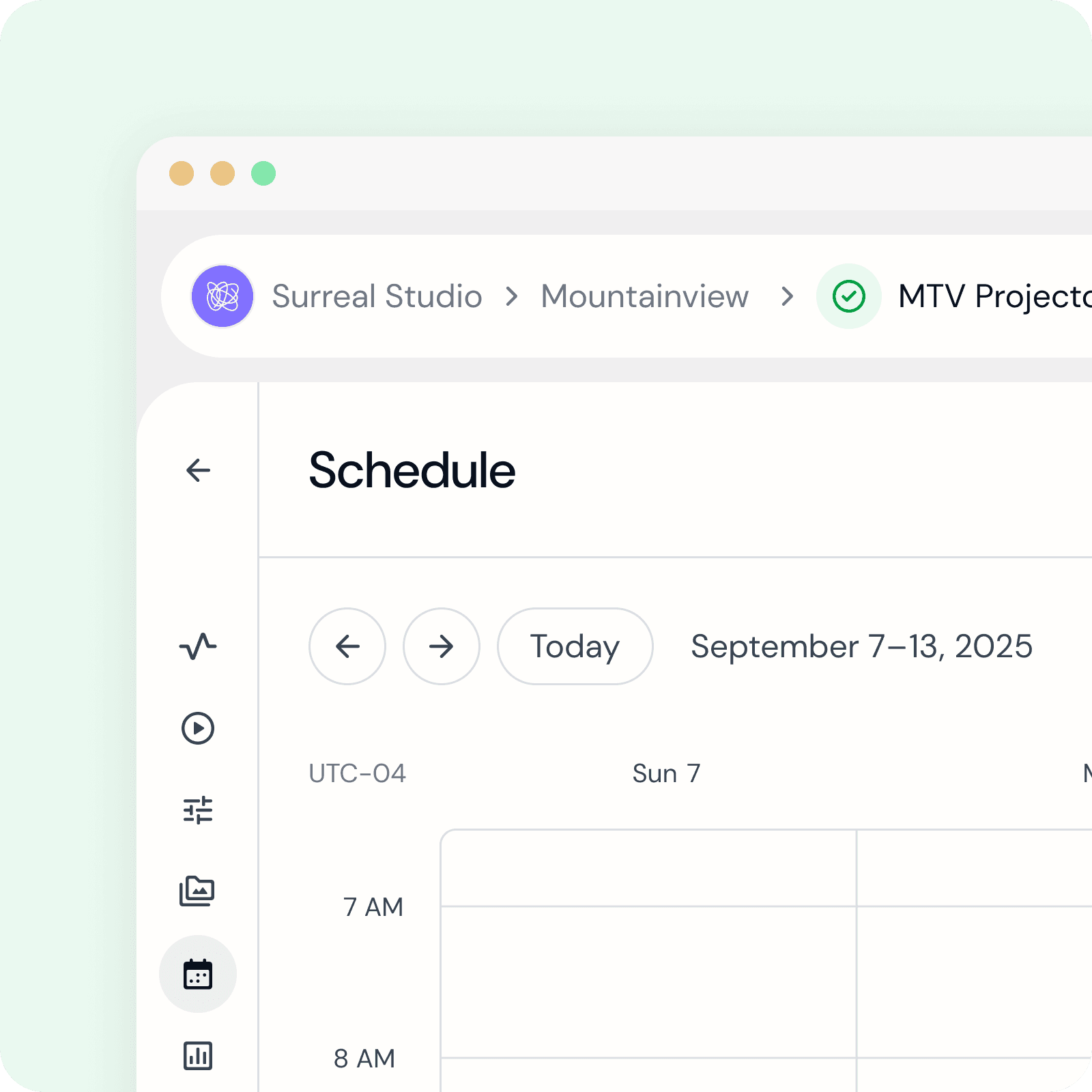
Scheduler Calendar
Interactive calendar to see reoccurring and custom scheduled events for tech-integrated Exhibits.
Product Design
UI Wrap
Responsive
Prototyping
Design System
Figma
PROBLEM
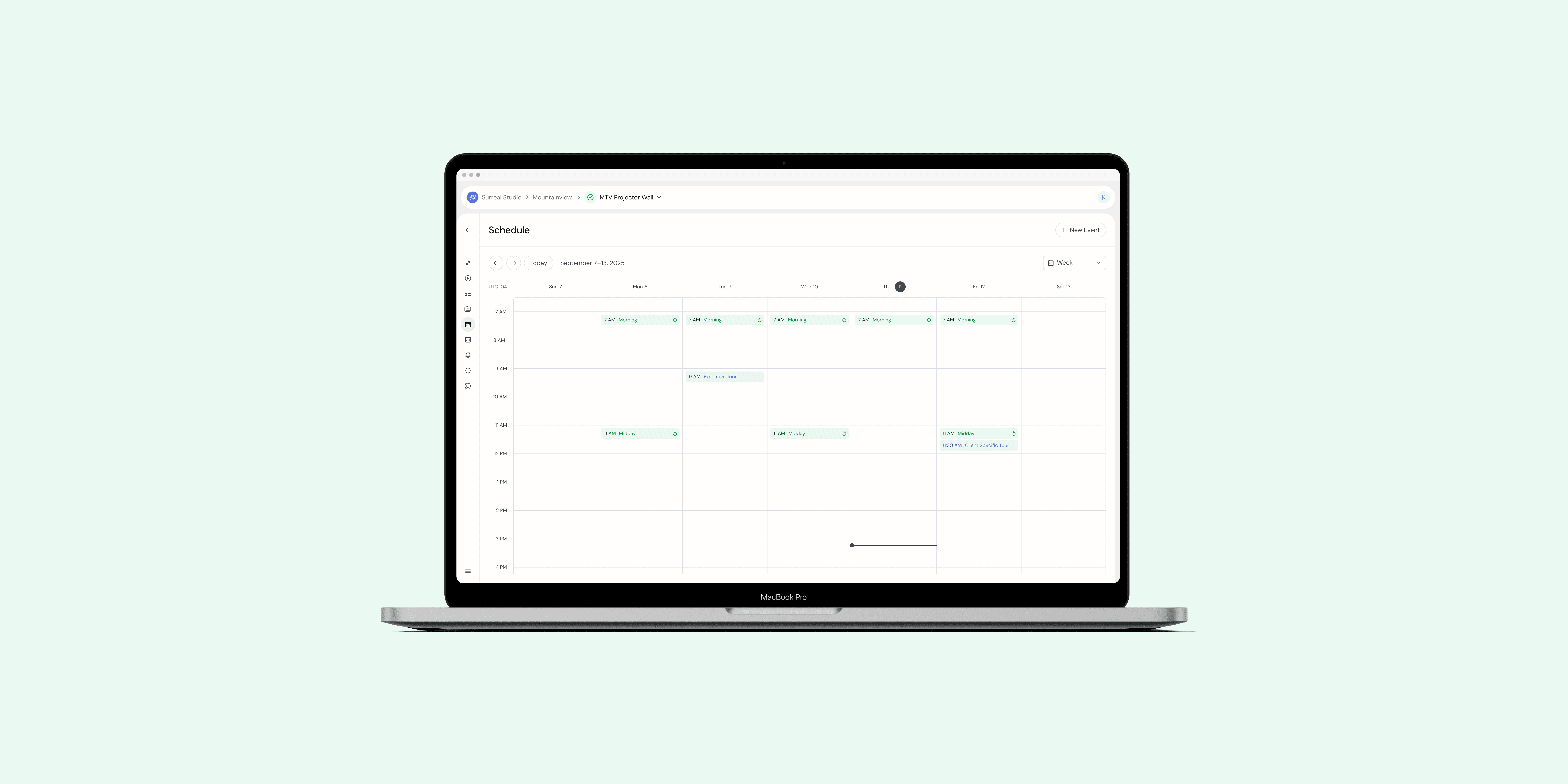

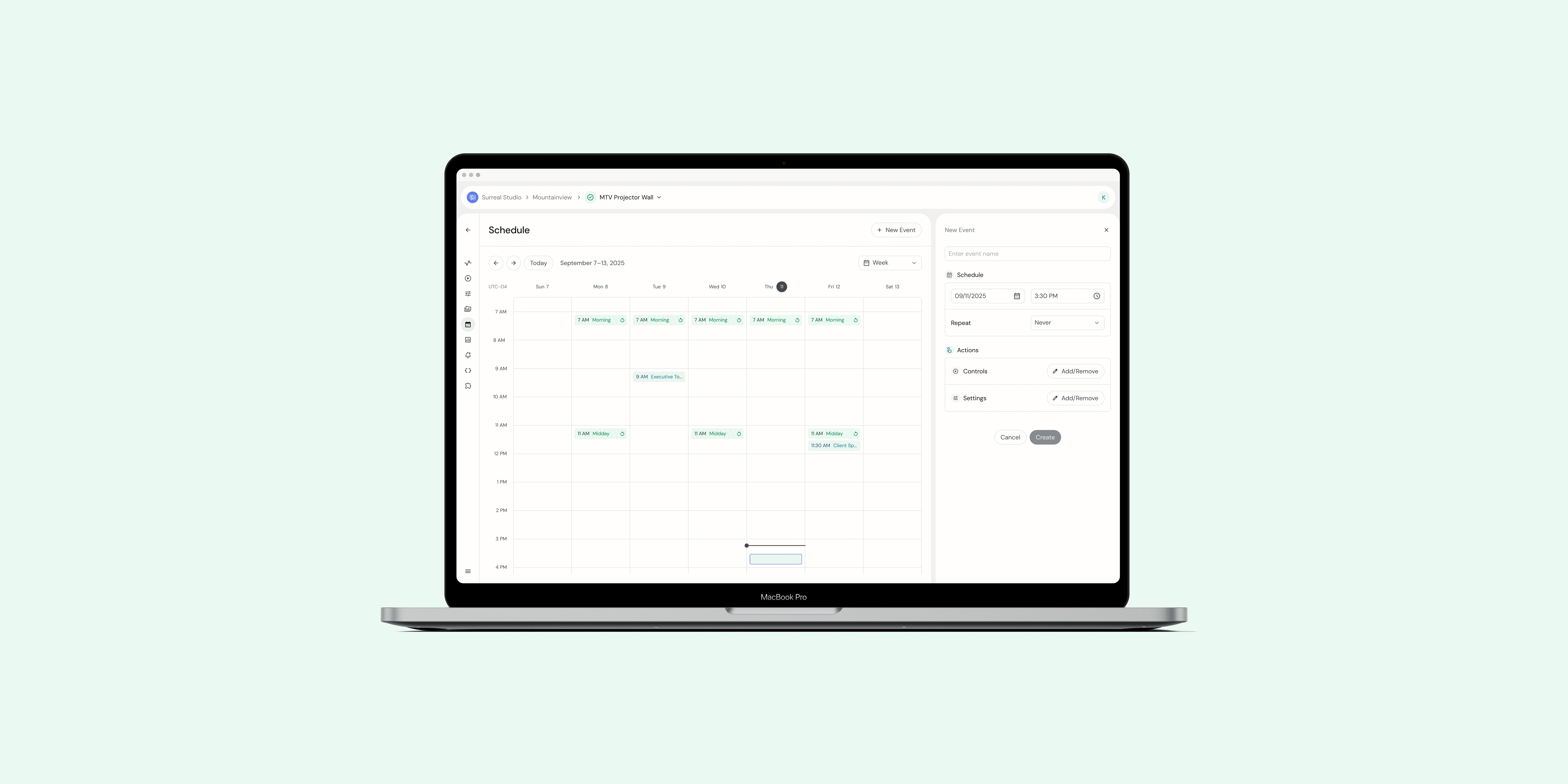
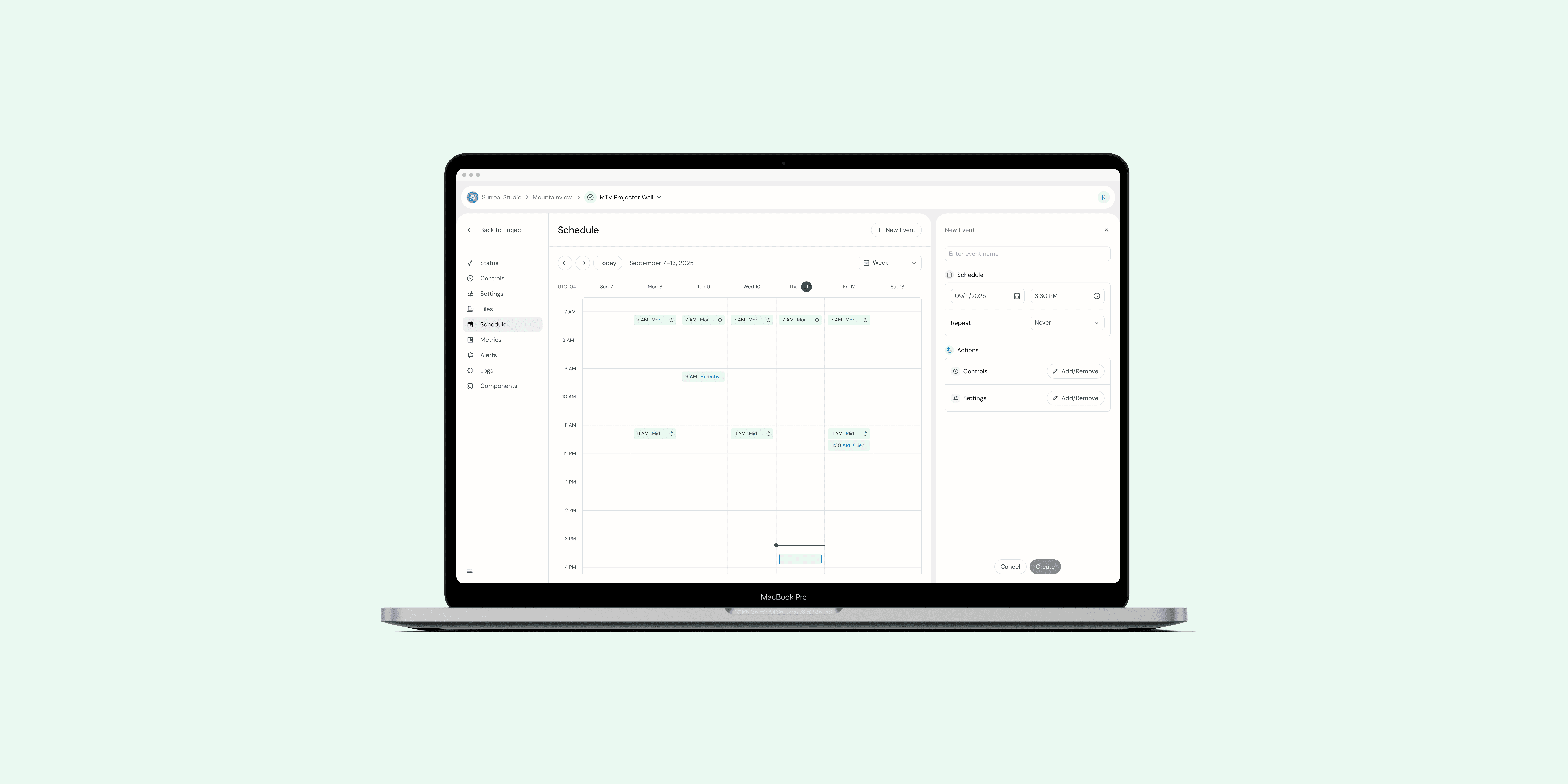
Gumband was undergoing a complete redesign of the product. The next feature that was due was our Scheduler feature where users could create reoccurring and one-time scheduled events to control the tech-integrated Exhibit. We had a very short timeline to design and develop as a client was due to be onboarded to the project in a month. To speed up the process, the redesign was split into two parts: Calendar and Event Creation. I tackled the Calendar portion while my teammate, Yuyuan Jin, designed the Event Creation process.
SOLUTION
While we had big dreams for this feature, we needed to keep this project slim to hit our launch goal. For the first pass, we focused on these key user needs:
Using Big React Calendar as our base component
Weekly calendar view
Method to switch between weeks
Method to jump to "Today"
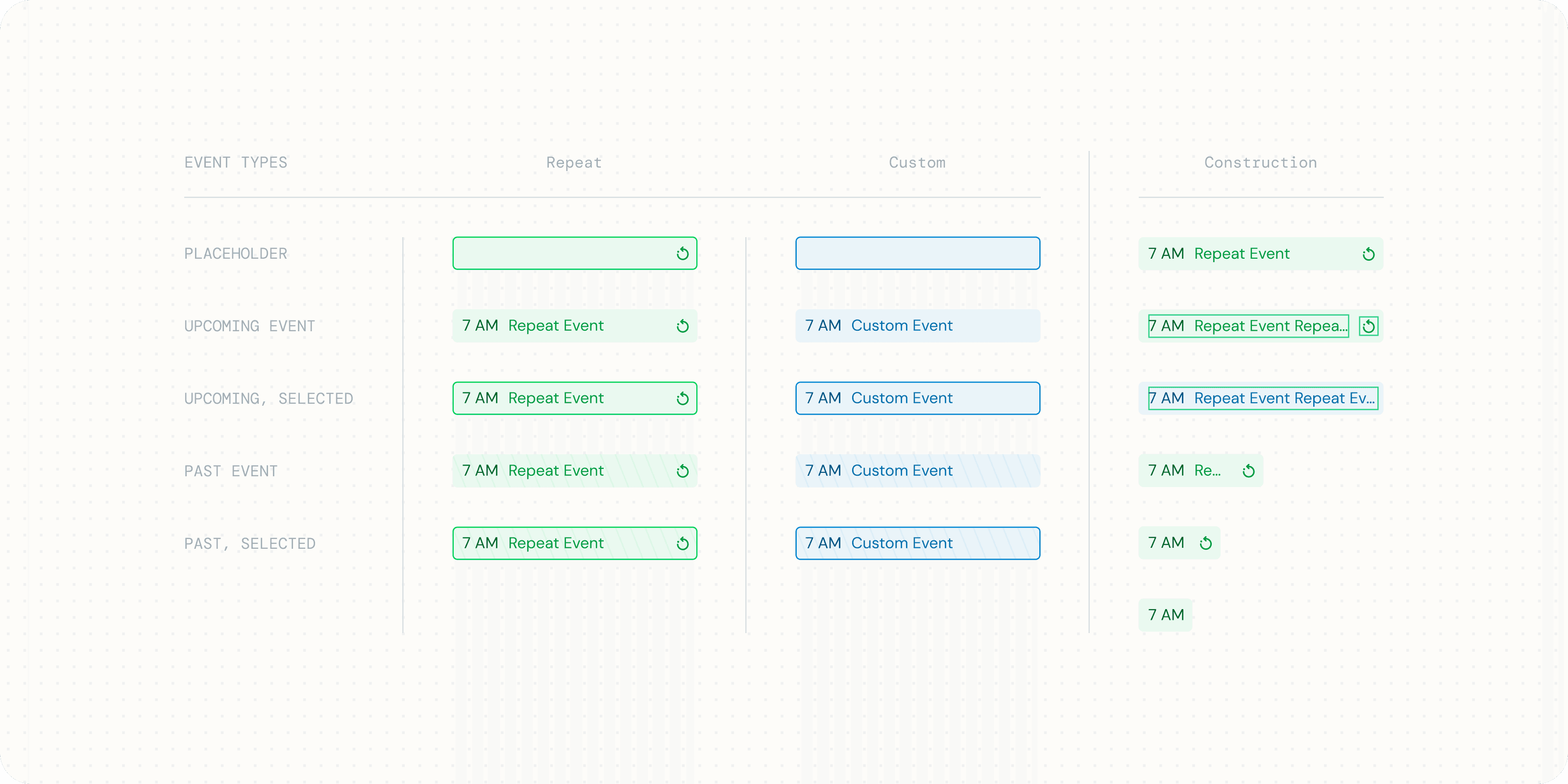
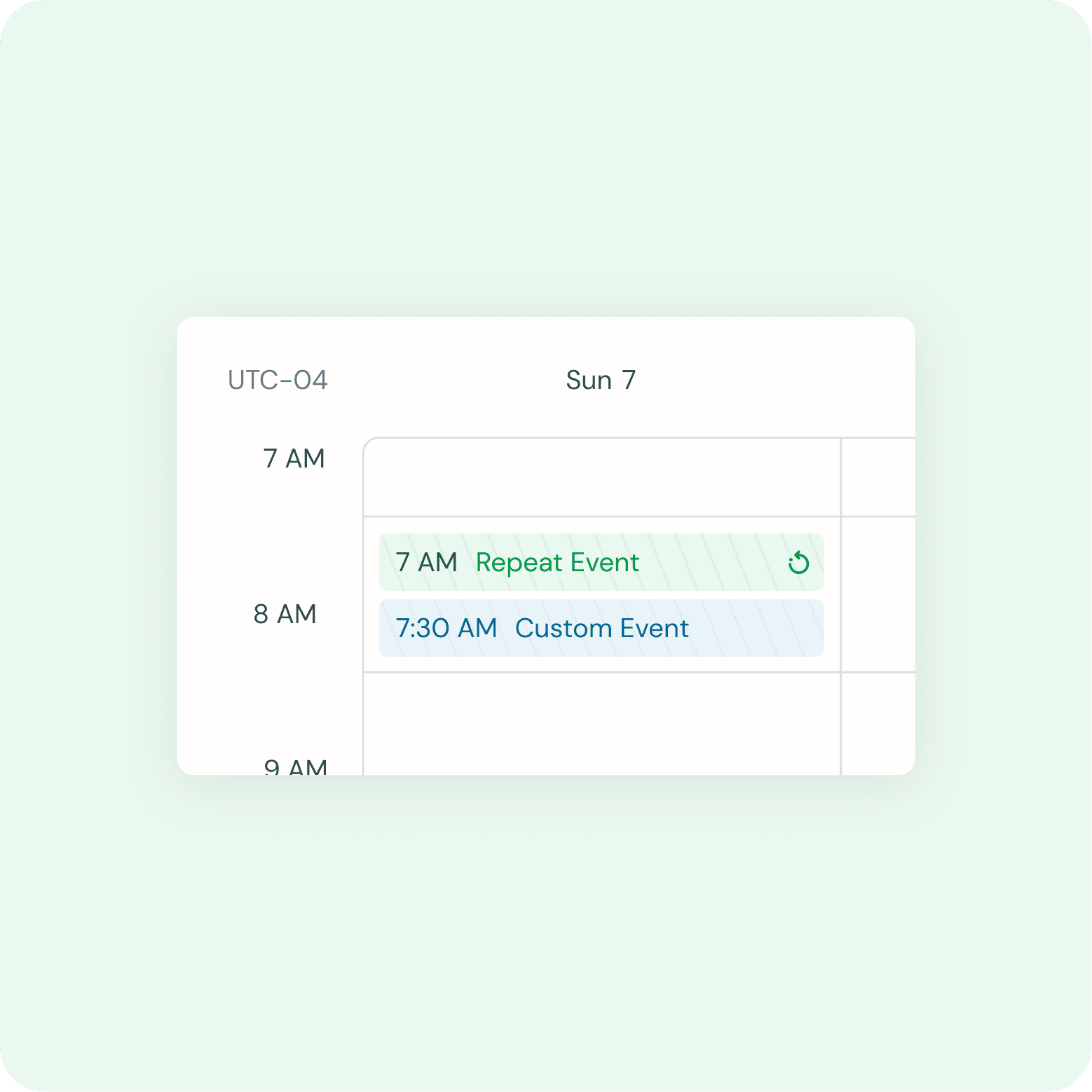
Visually distinguish event types (reoccurring vs one-time) and past vs future events
Ensure the calendar was responsive but not for mobile (in the short term)
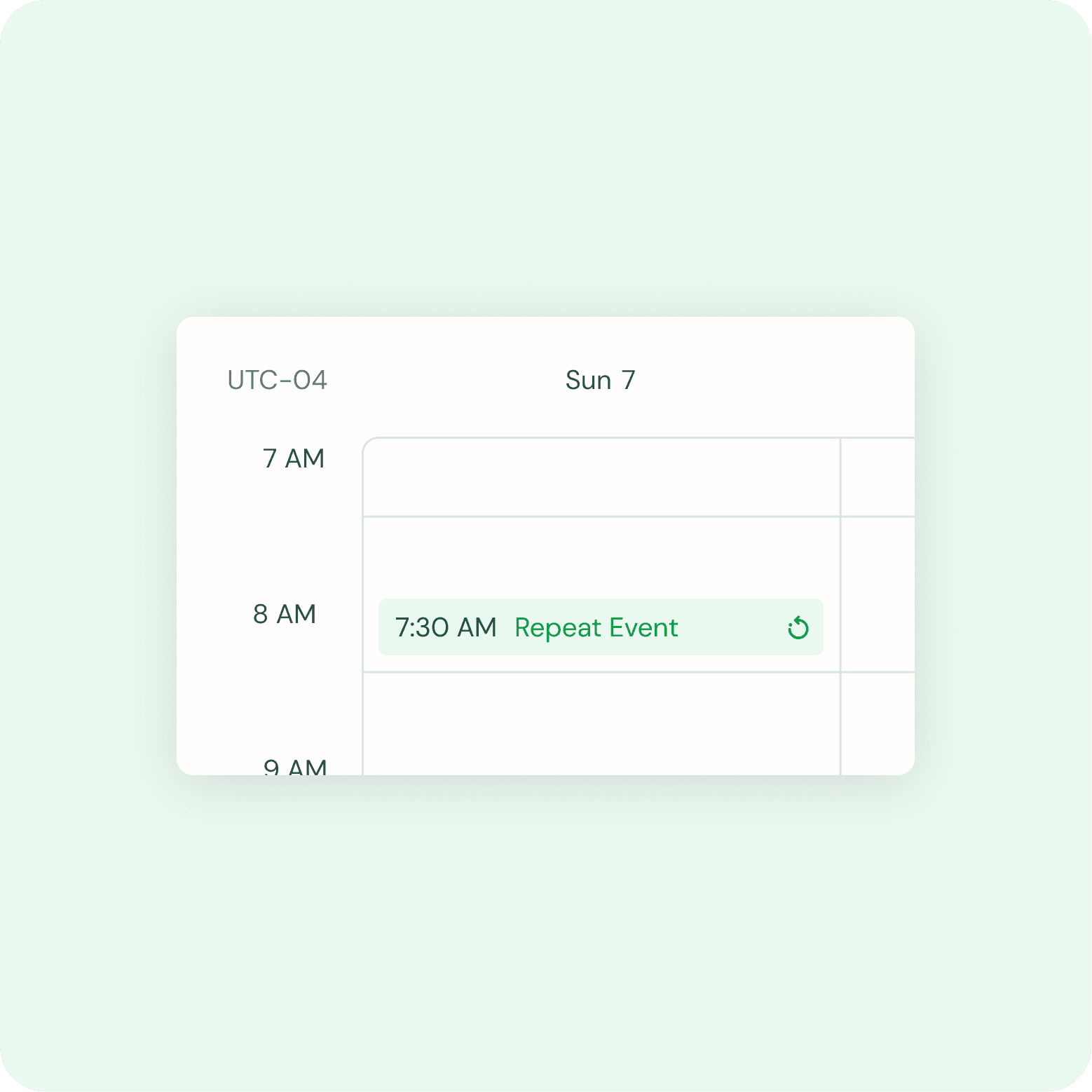
Subtly communicate the time zone
Foundation
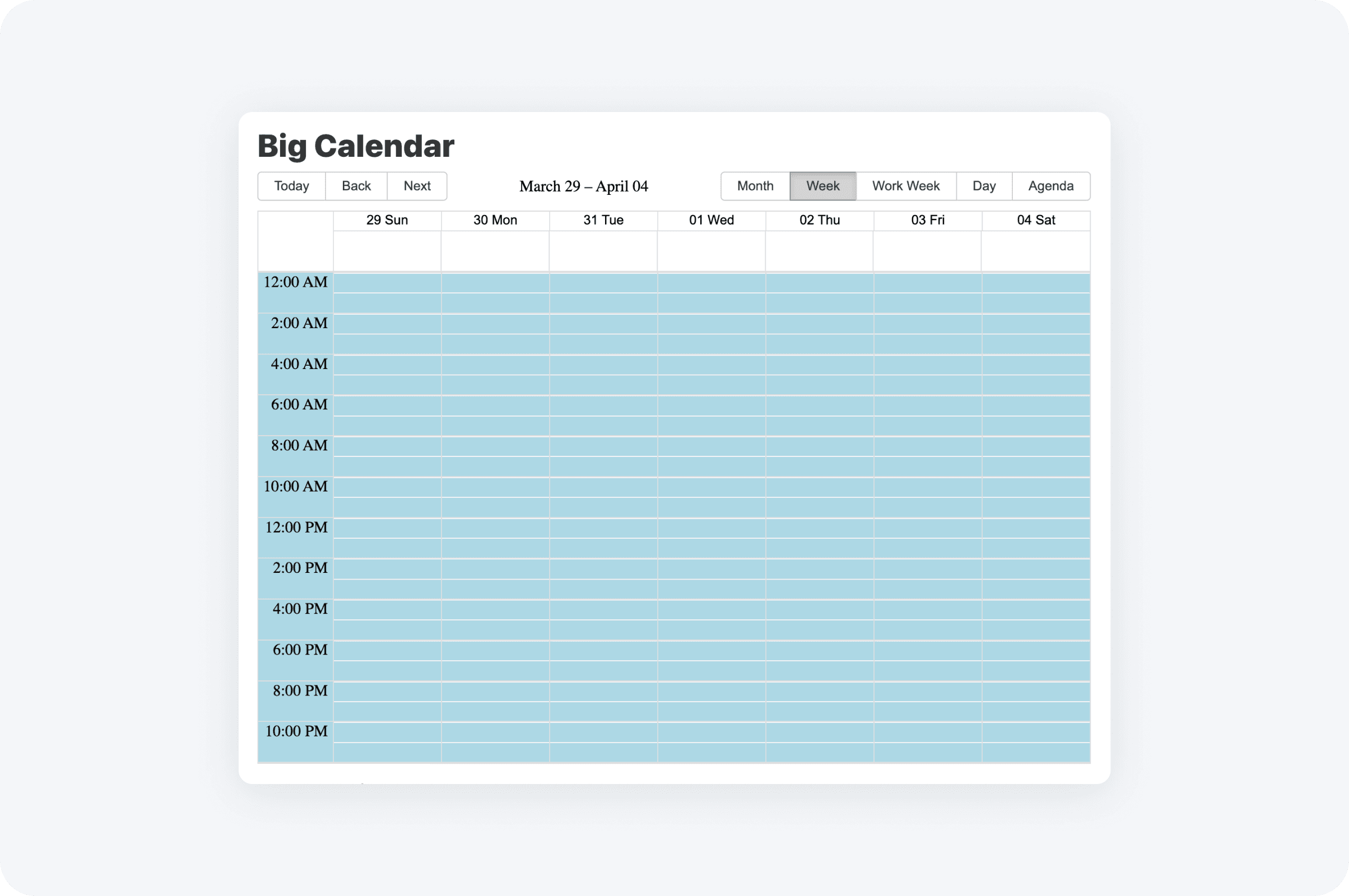
DESIGN INTENT
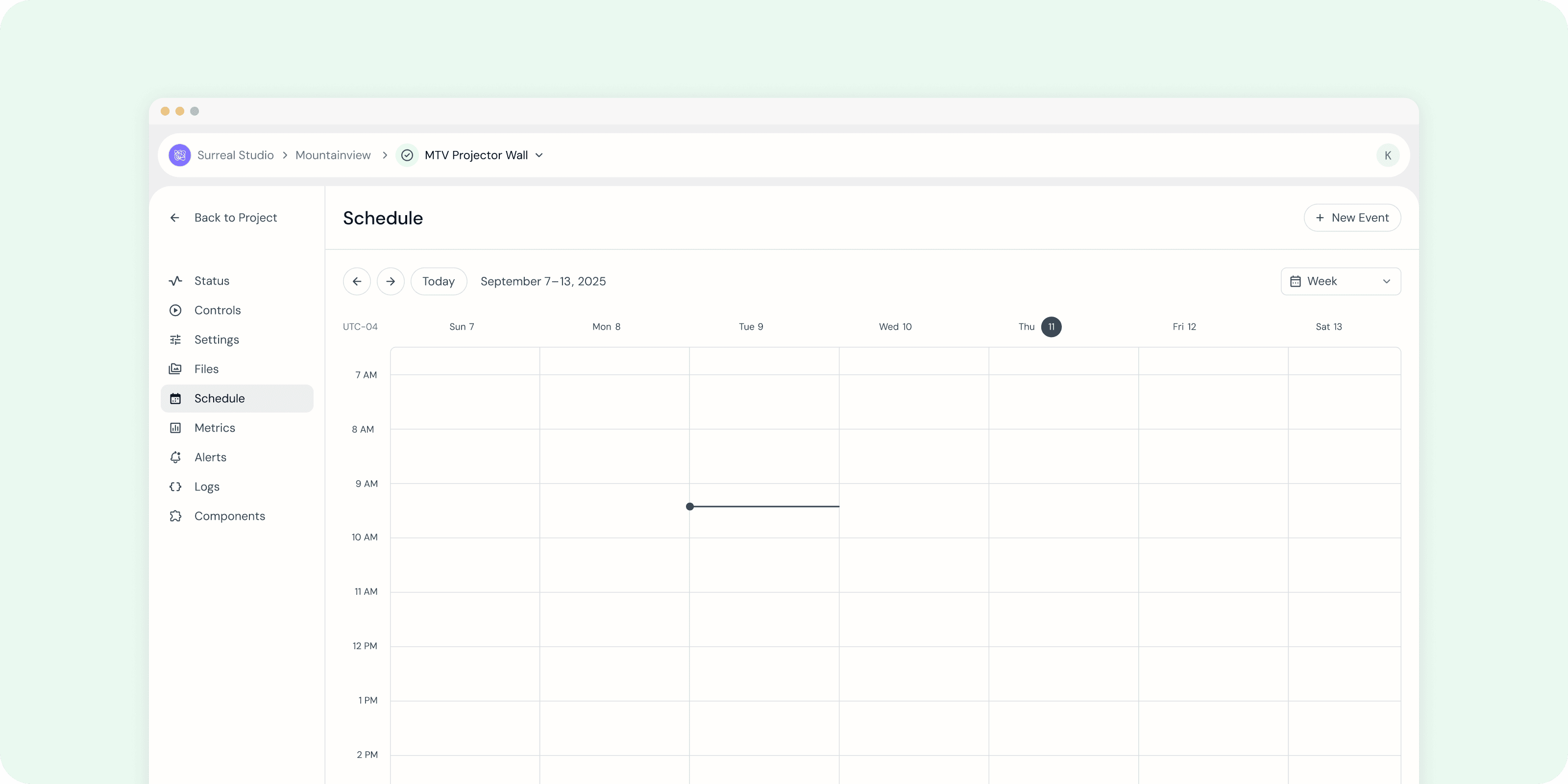
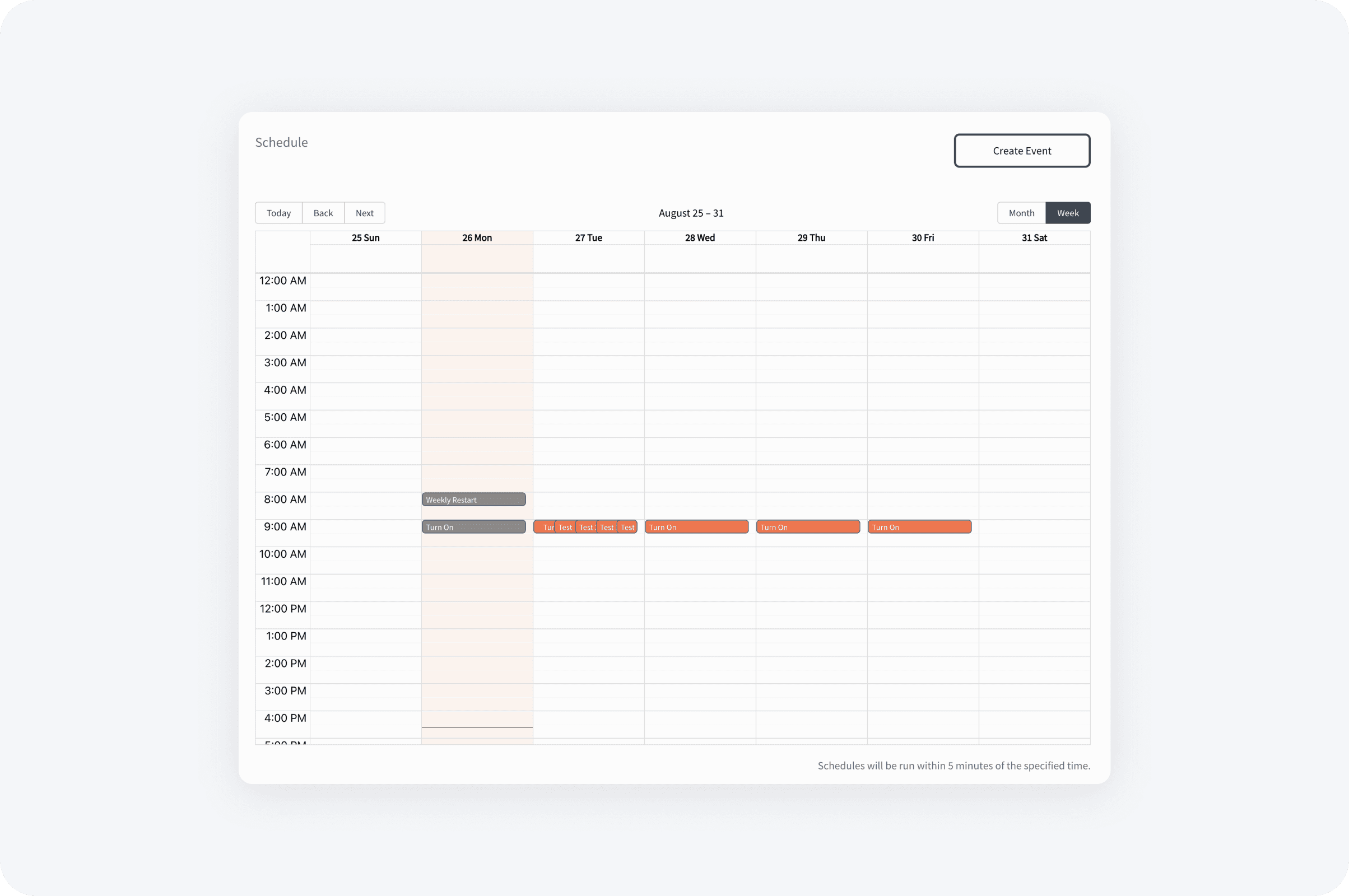
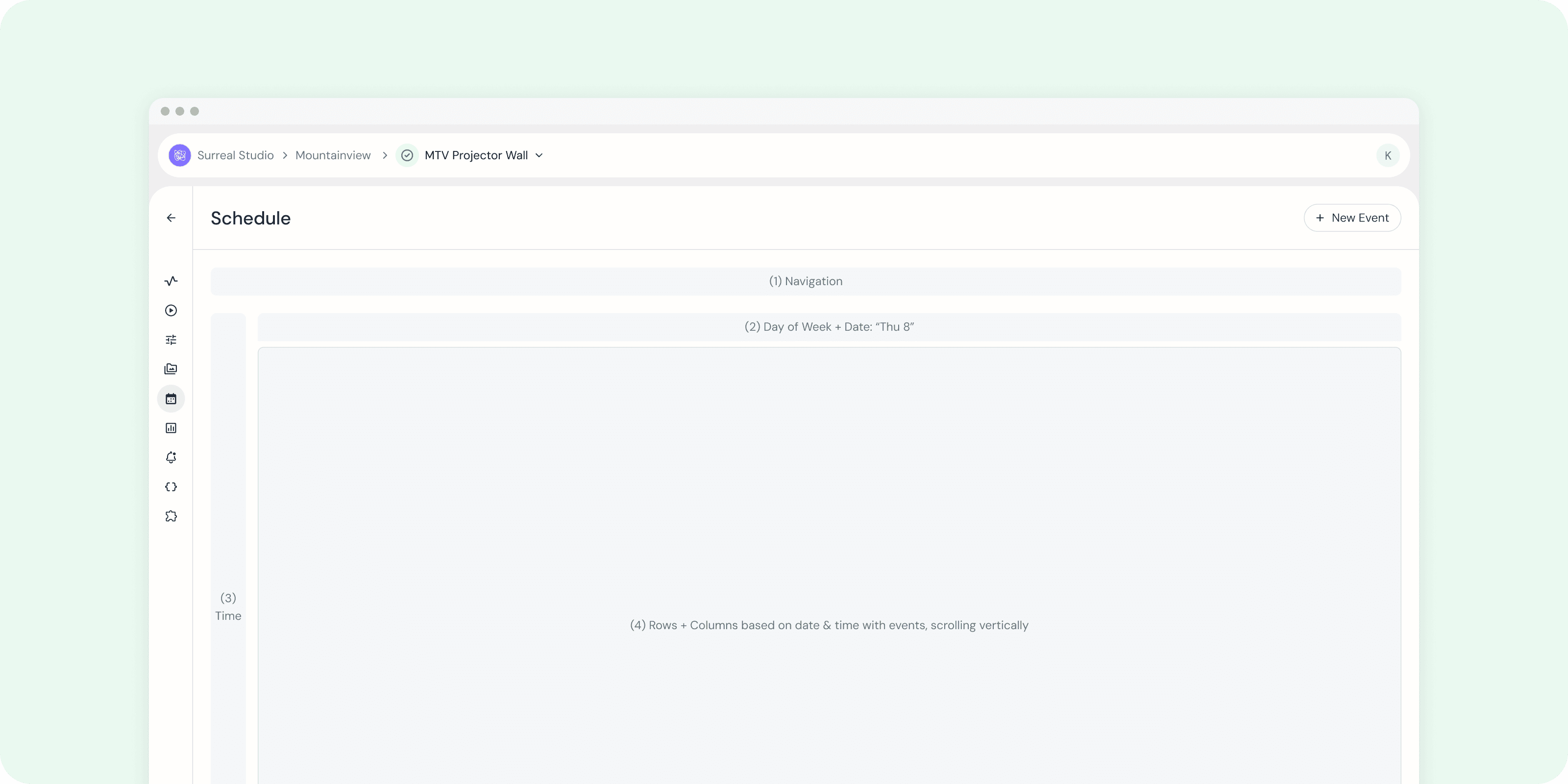
The Scheduler Calendar will be built off of the Big React Calendar. By default, it should show the current week, with the current date highlighted and a line to indicate the current time. The calendar is broken up into 4 sections:
Navigation - Forward/backward buttons, today button, and <date time picker>. The date time picker uses the same component as on the metrics tab and can be put into the “disabled” state if it’s too difficult to incorporate with the calendar for P0 release.
Calendar - X Axis with day of week + date. Week view should start on Sunday
Calendar - Y Axis with time zone and time by the hour. By default, the time should start with 7 am with ability to scroll up to see times 12am-6am and scroll down to see the remaining times until 12am.
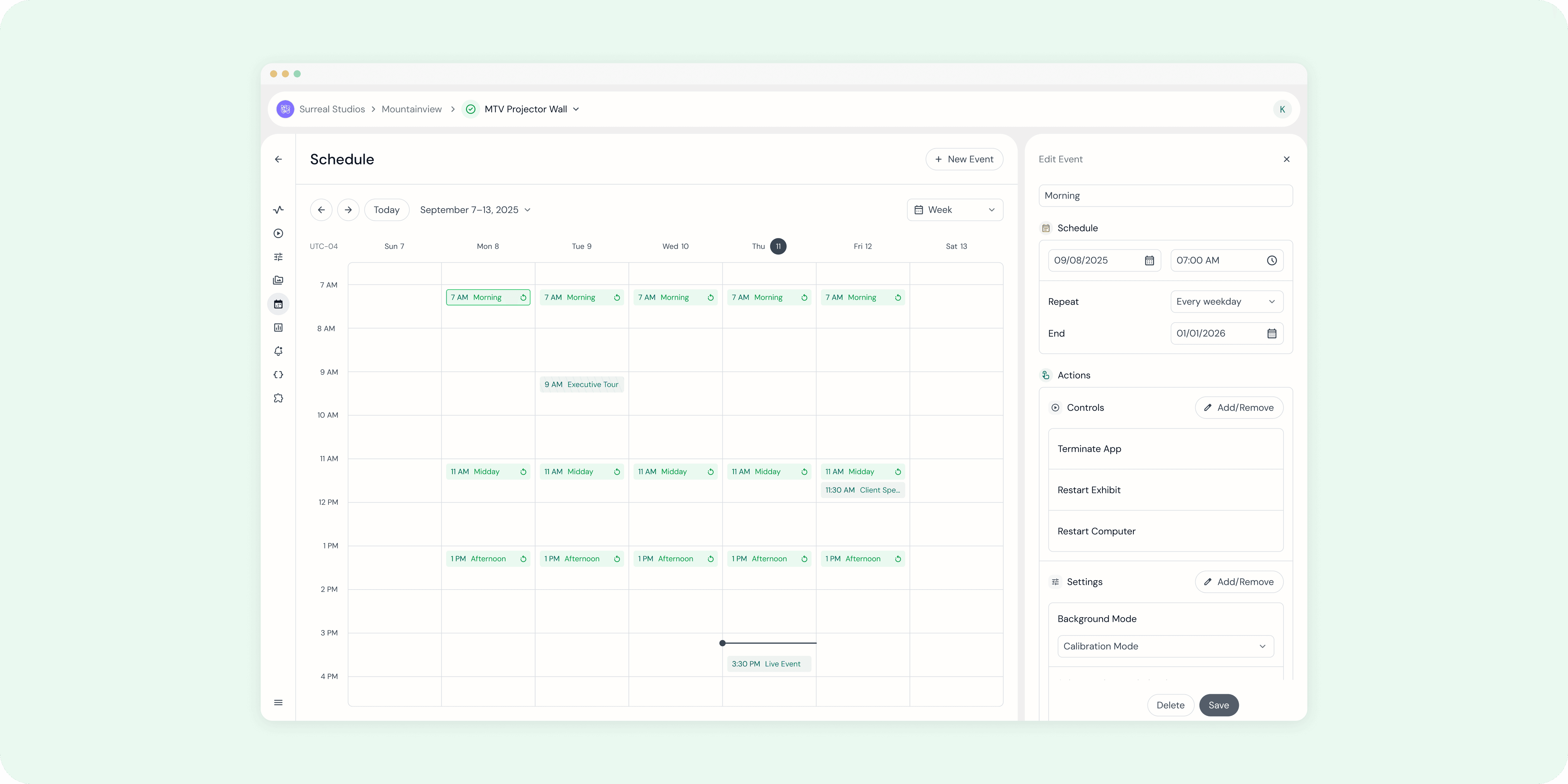
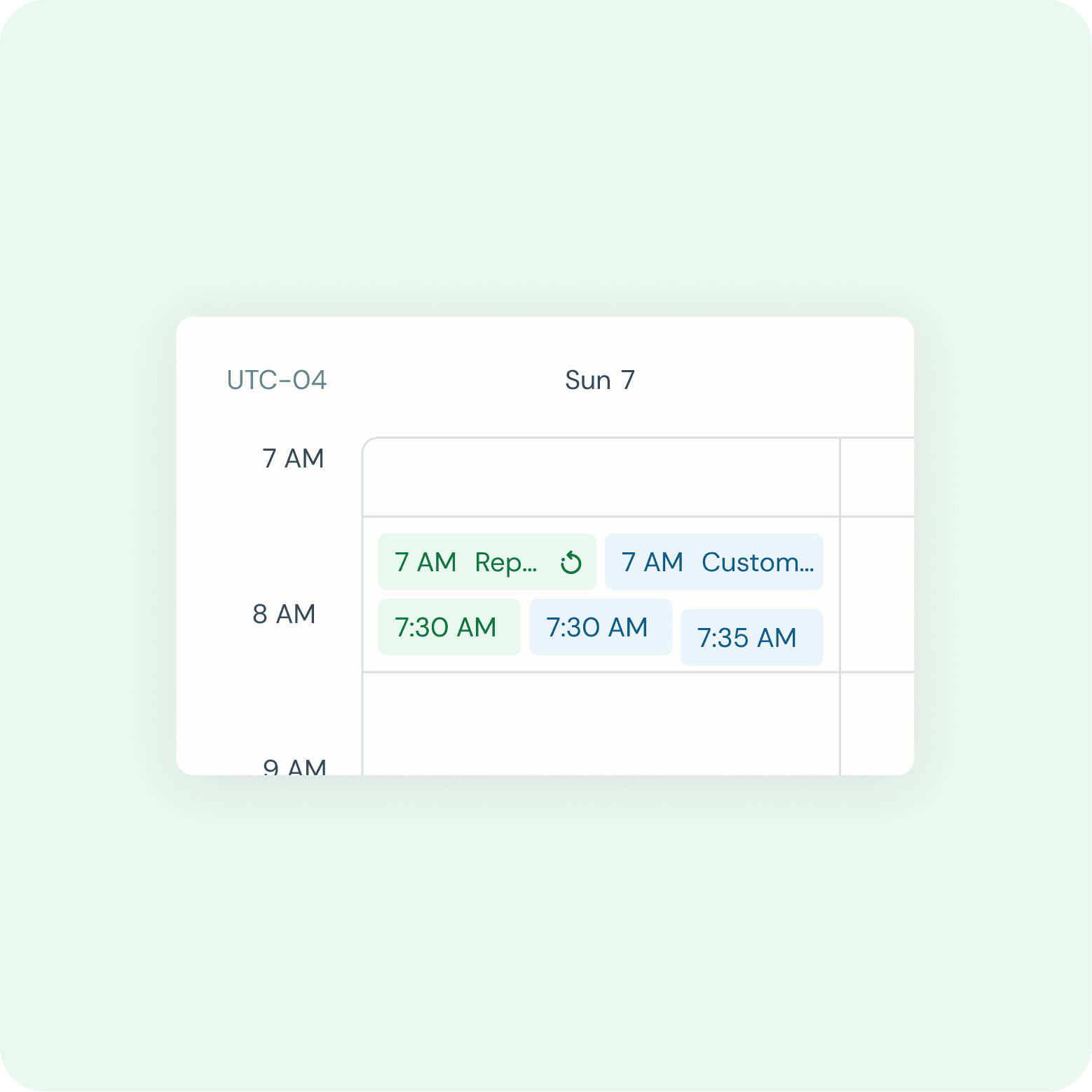
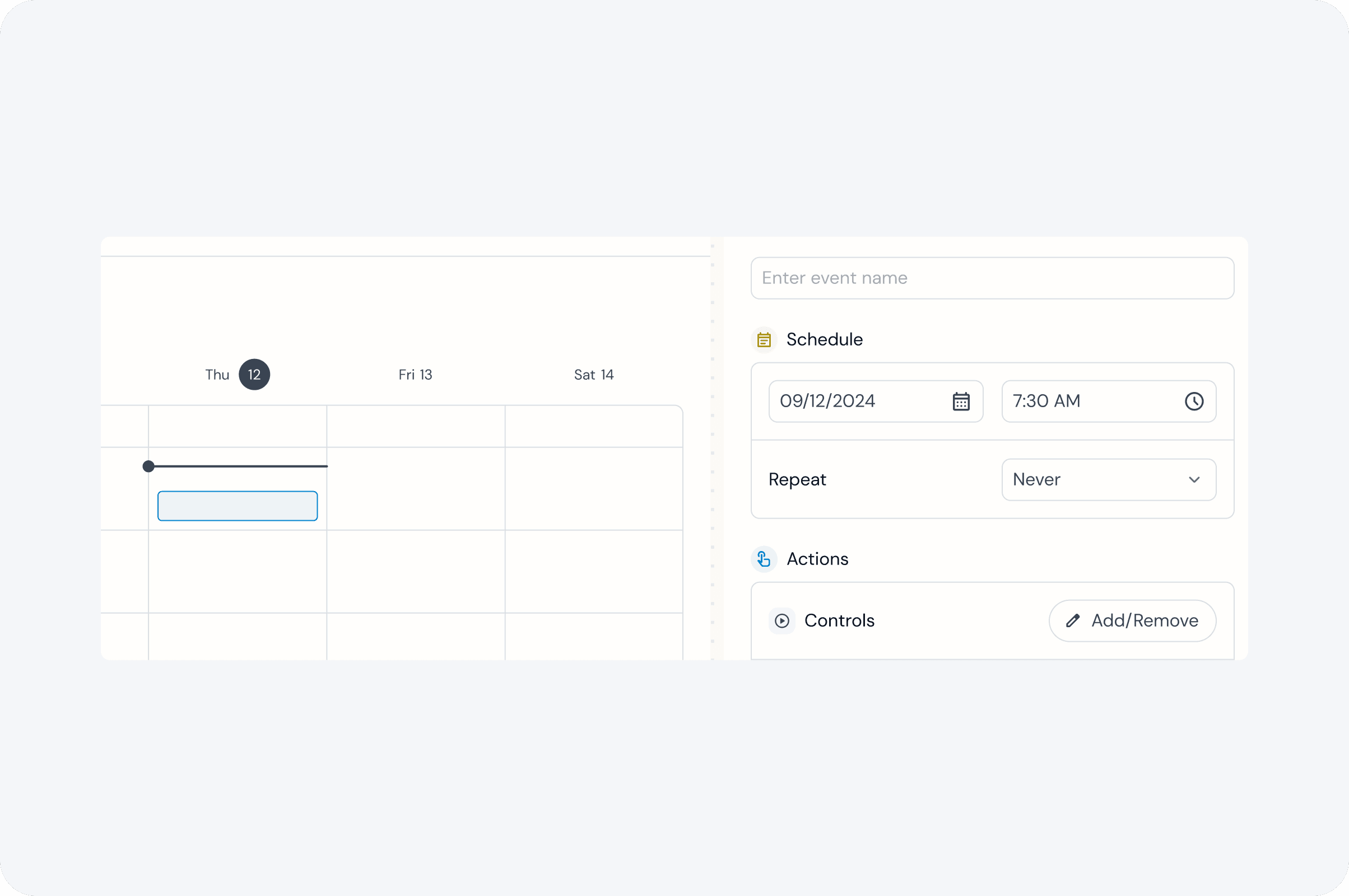
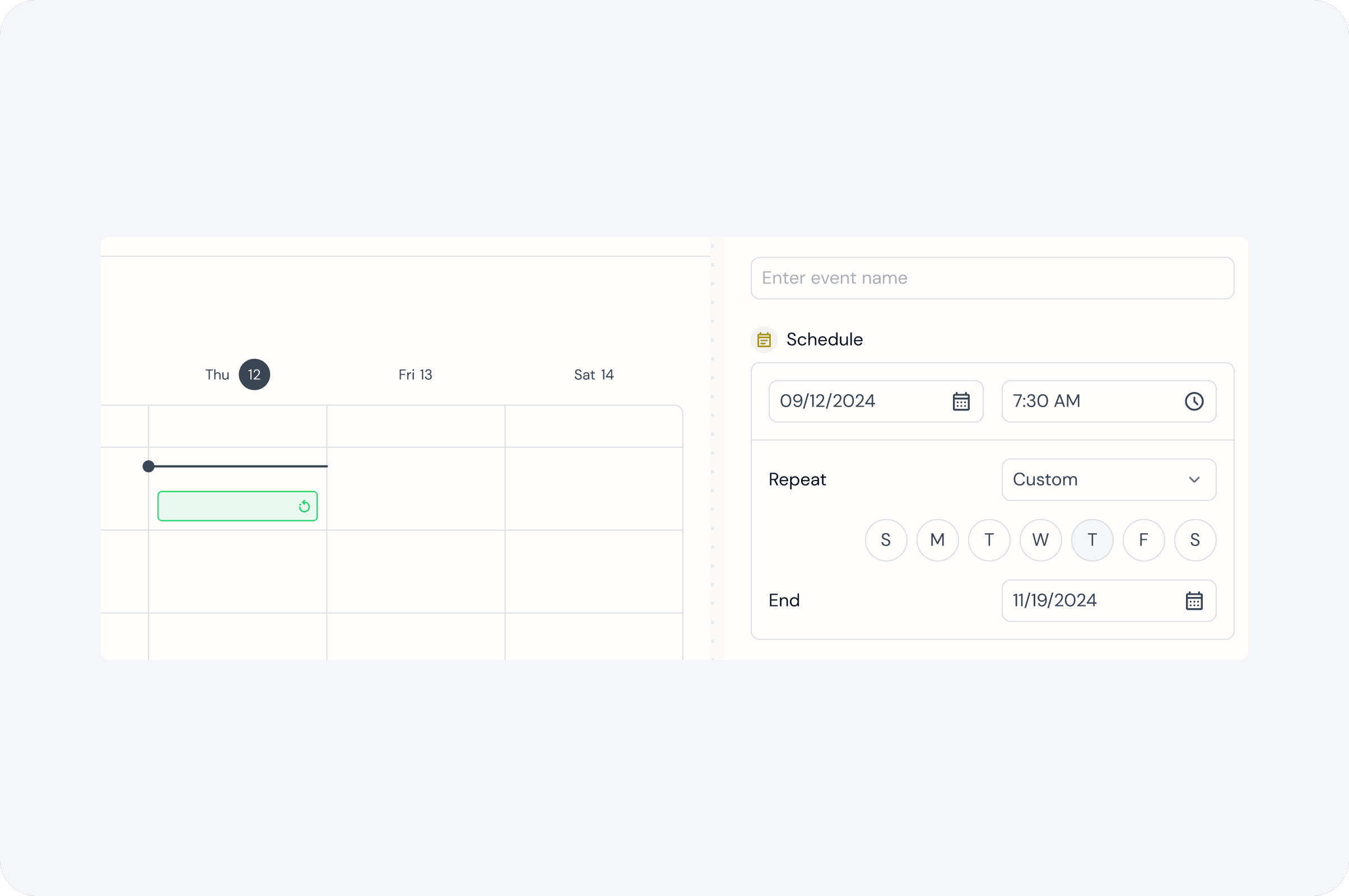
Calendar - Interior date/time rows with events. For P0, follow the way the events are placed/stacked as in the default Big React Calendar but adjust the styling based on Figma guides. There are two different types of events (a) reoccurring (b) custom.
Event Chips
Final Designs